Calendar
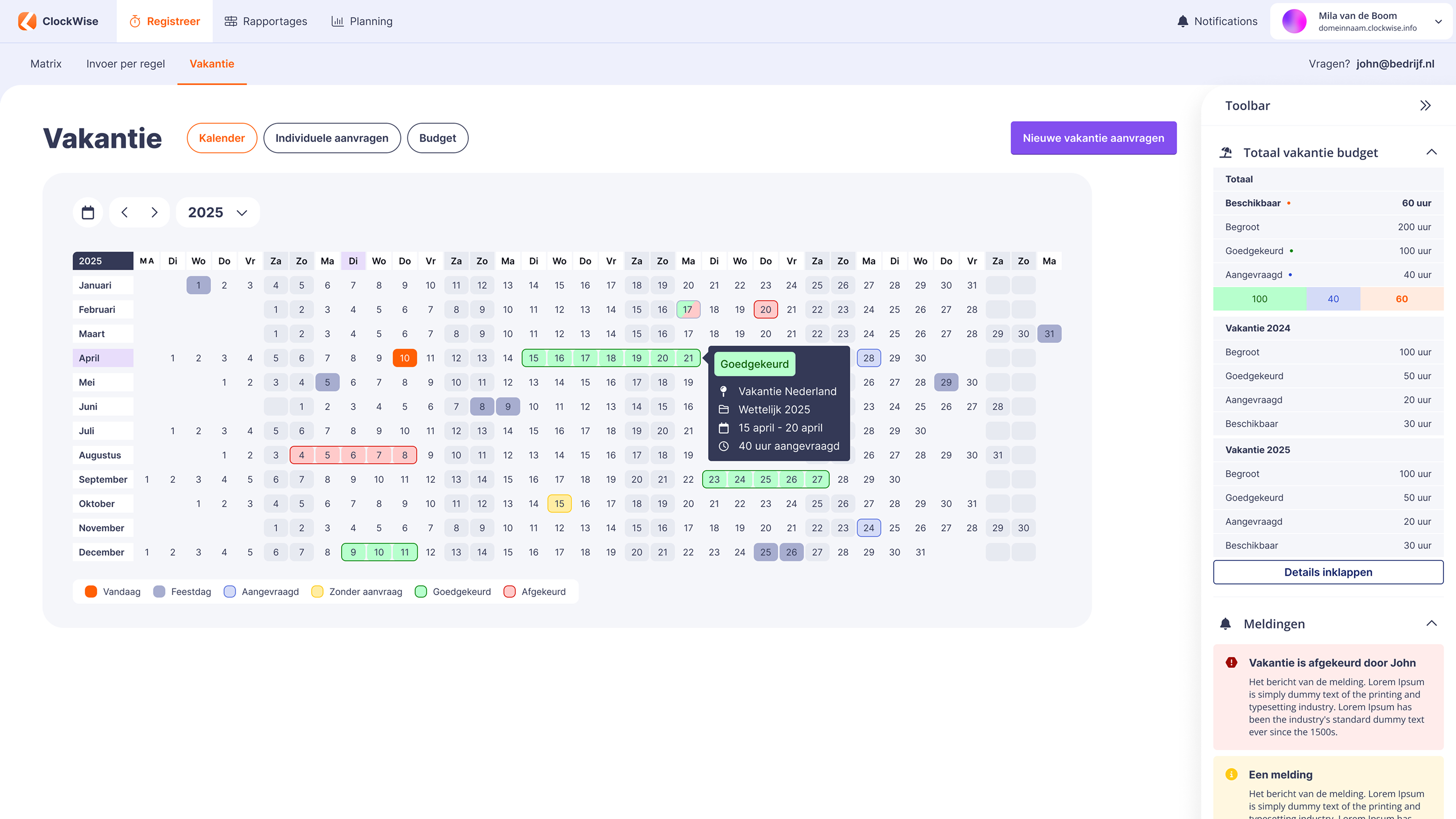
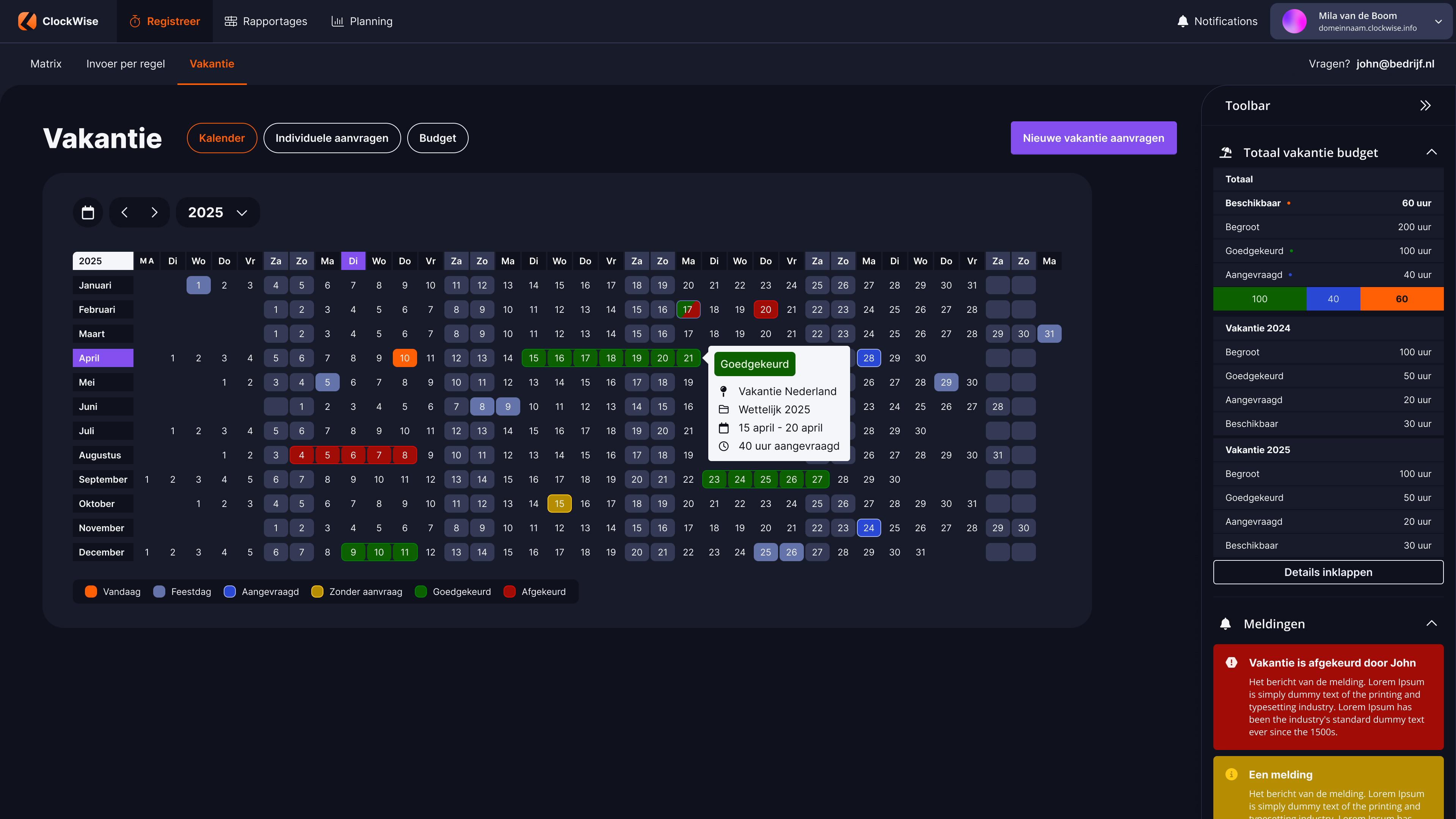
Through the calendar, you get an overview per year of all submitted requests, including the associated status: approved, rejected, or requested (in progress).
At ClockWise, we love simplicity. No unnecessary steps, just powerful features. Manage your hours, projects, and invoices seamlessly – wherever and whenever you want, even via the app.
Questions? We'll help you right away. No waiting, just speak to a representative.
Easy to request
Easy to approve
Overview
Calendar and toolbar
A compact overview
Calendar
Through the calendar, you get an overview per year of all submitted requests, including the associated status: approved, rejected, or requested (in progress).
Toolbar
With our toolbar, you have direct insight into your total vacation budget. See at a glance how much you still have available.
Request holiday
Step by step
Pop-up
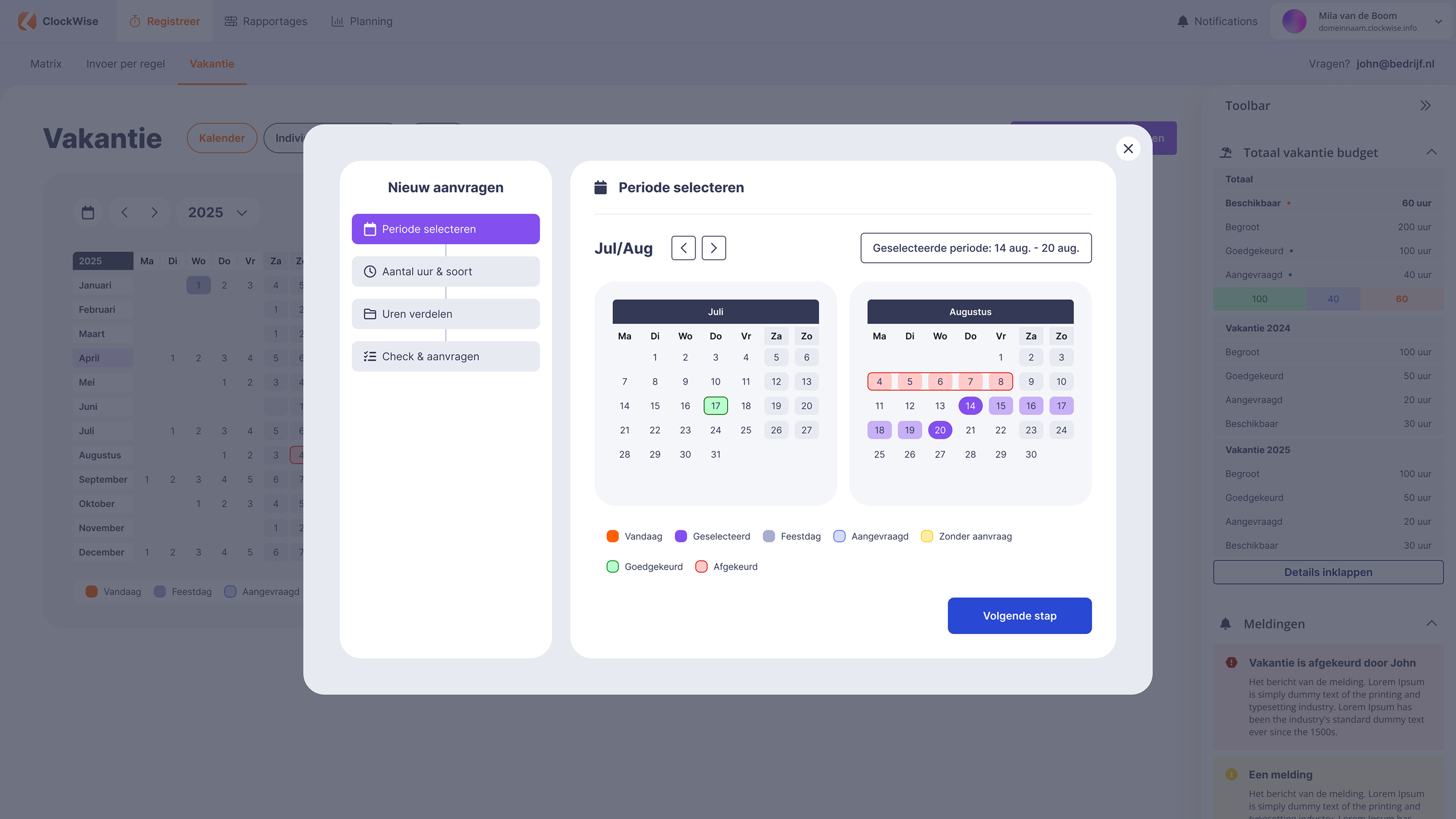
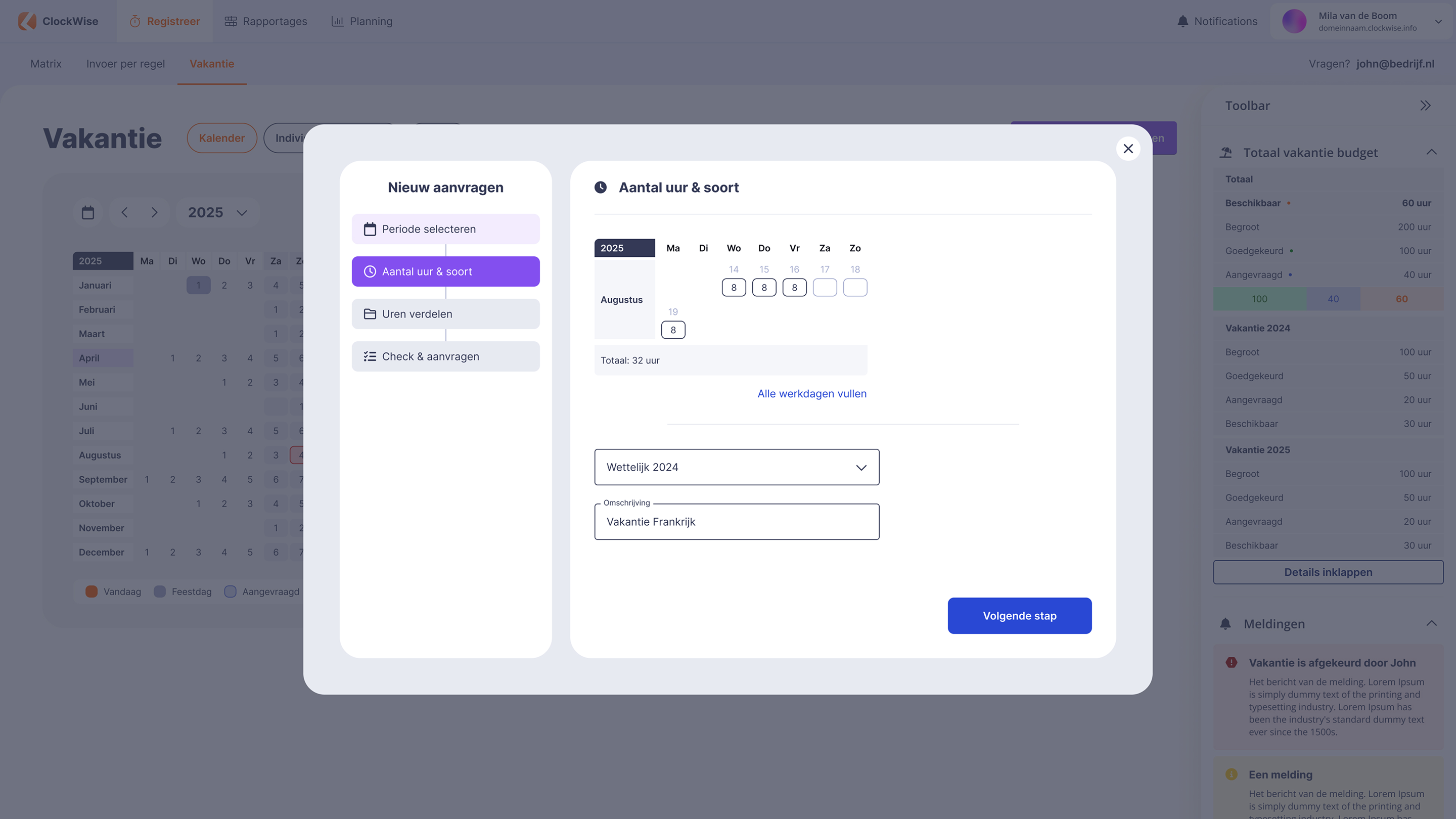
Requesting holiday or leave is easy with ClockWise. You are guided step by step through the process. First, select the desired period, indicate how many hours it concerns
and ClockWise automatically deducts this from your holiday budget. Finally, you just need to check and submit - all done.
Individual requests
All your requests in one place
Individual requests
All your requests are neatly gathered in the overview of your individual requests. This way, you have insight into your own history.
Budget
Insight into your holiday hours
Budget
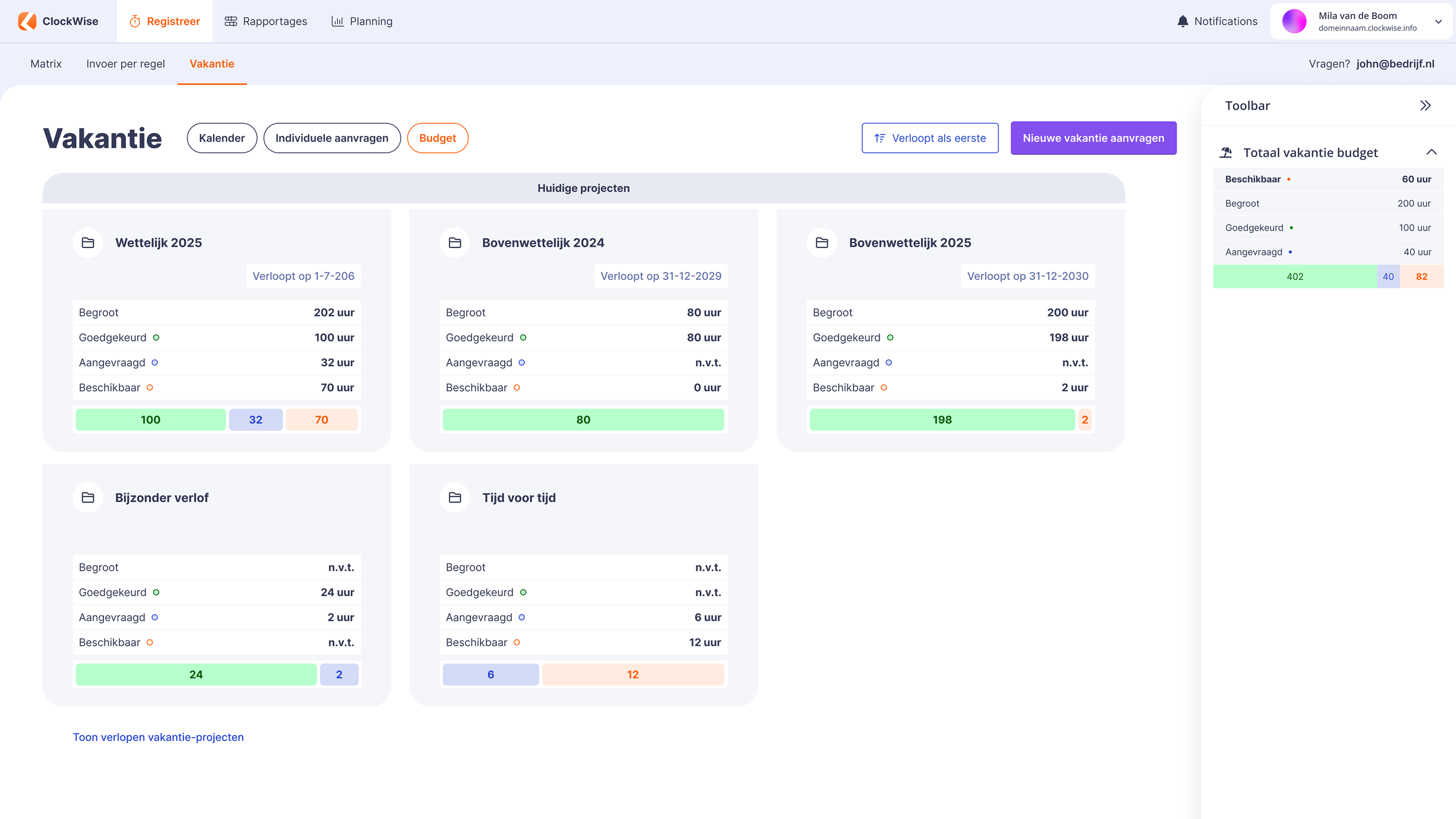
Via the budget section, you can see exactly how your holiday budget stands, as all pots are lined up. This way, you know exactly how much you can still take and how long you can still use it.
Year overview
The year in one glance
Year overview holidaycard
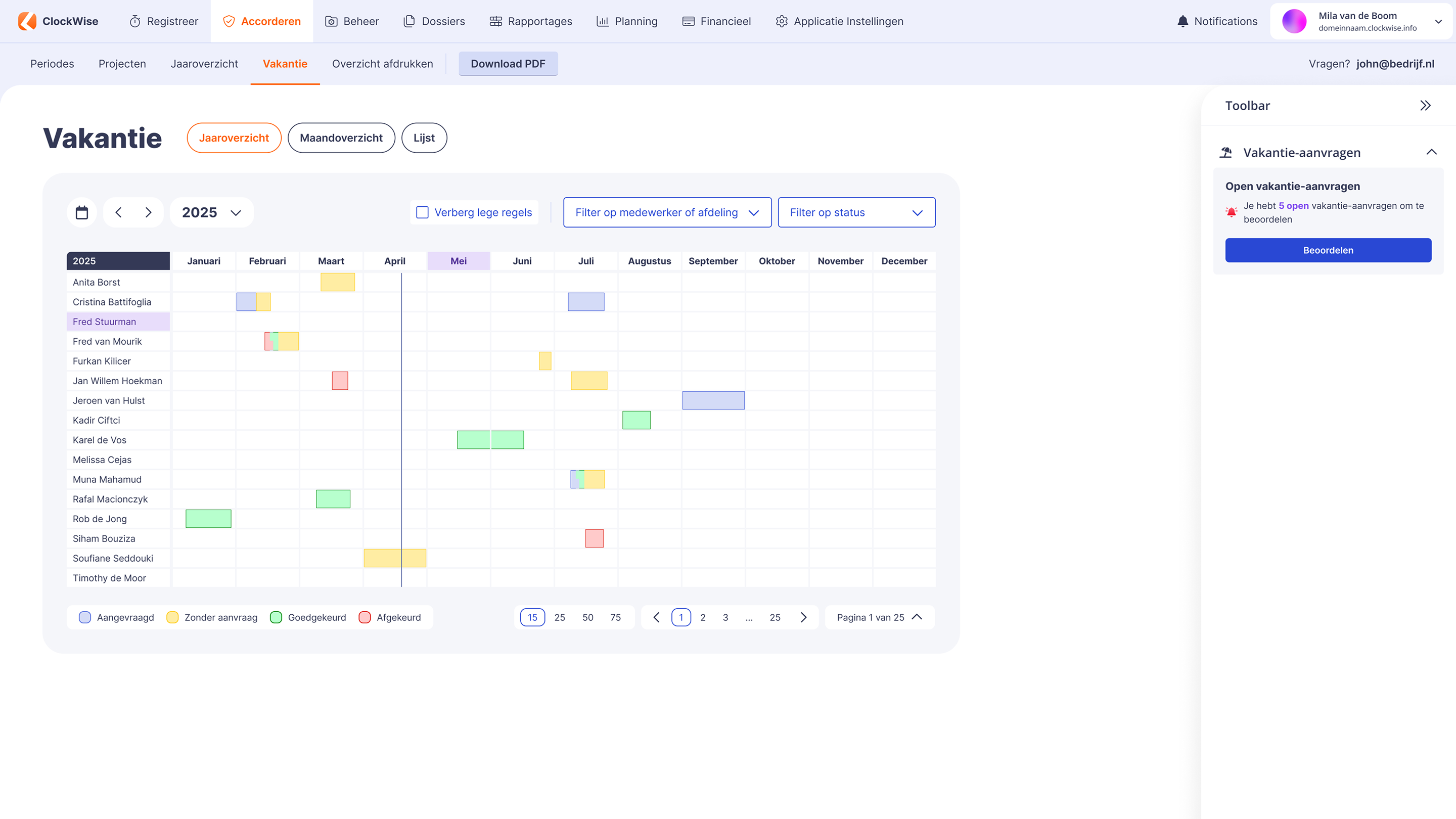
As an administrator, you have insight into your employees' vacations in various ways. Through the year overview, you can see all requests at a glance, including their status.
You can easily filter by status and employees, so you quickly find what you're looking for.
Month overview
Visual representation of requests per month
Month overview
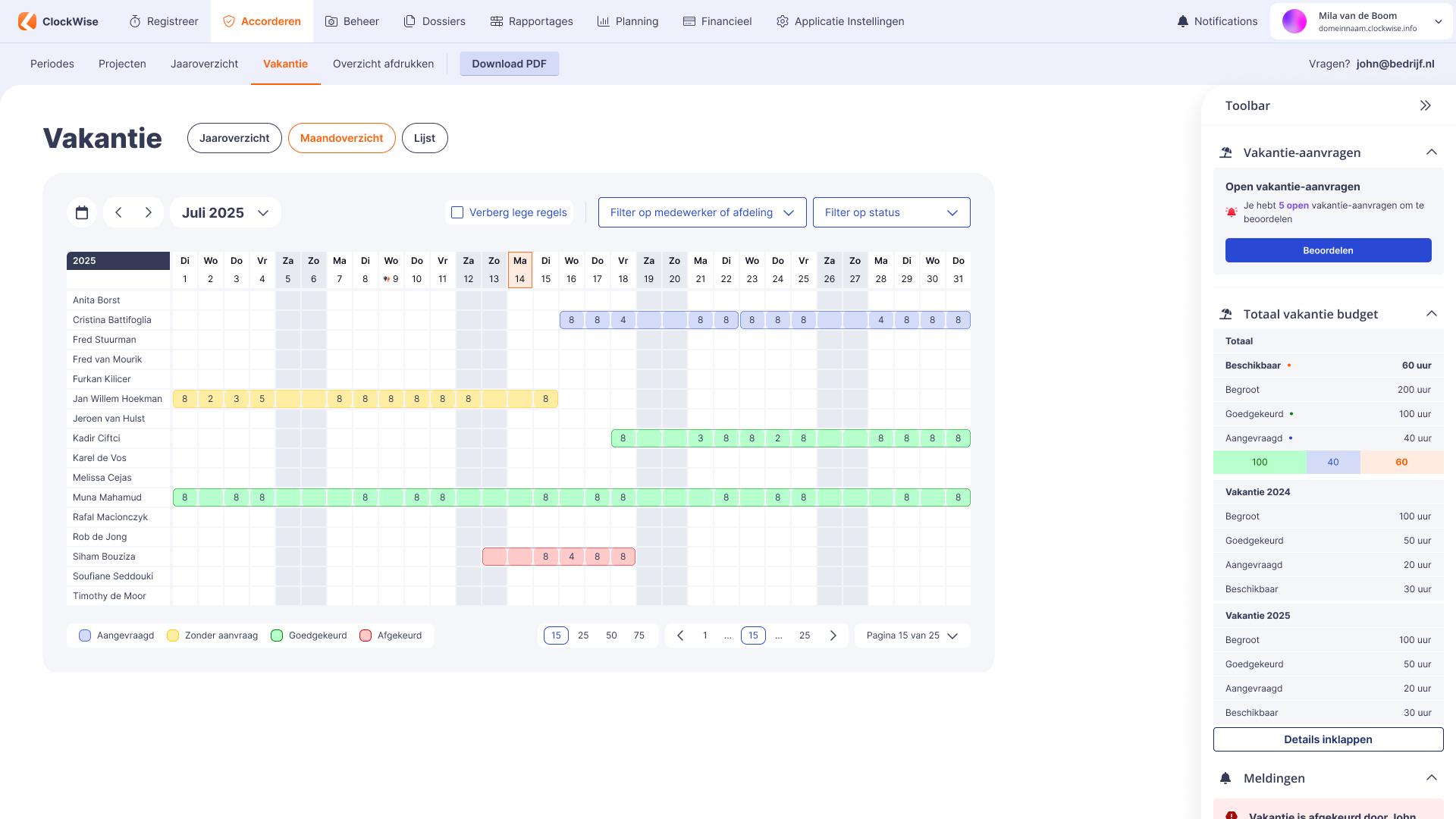
You can also view the overview by month through the month overview. A useful feature here is that you can directly approve or reject pending requests by clicking on them.
List
Approve multiple requests at once
List
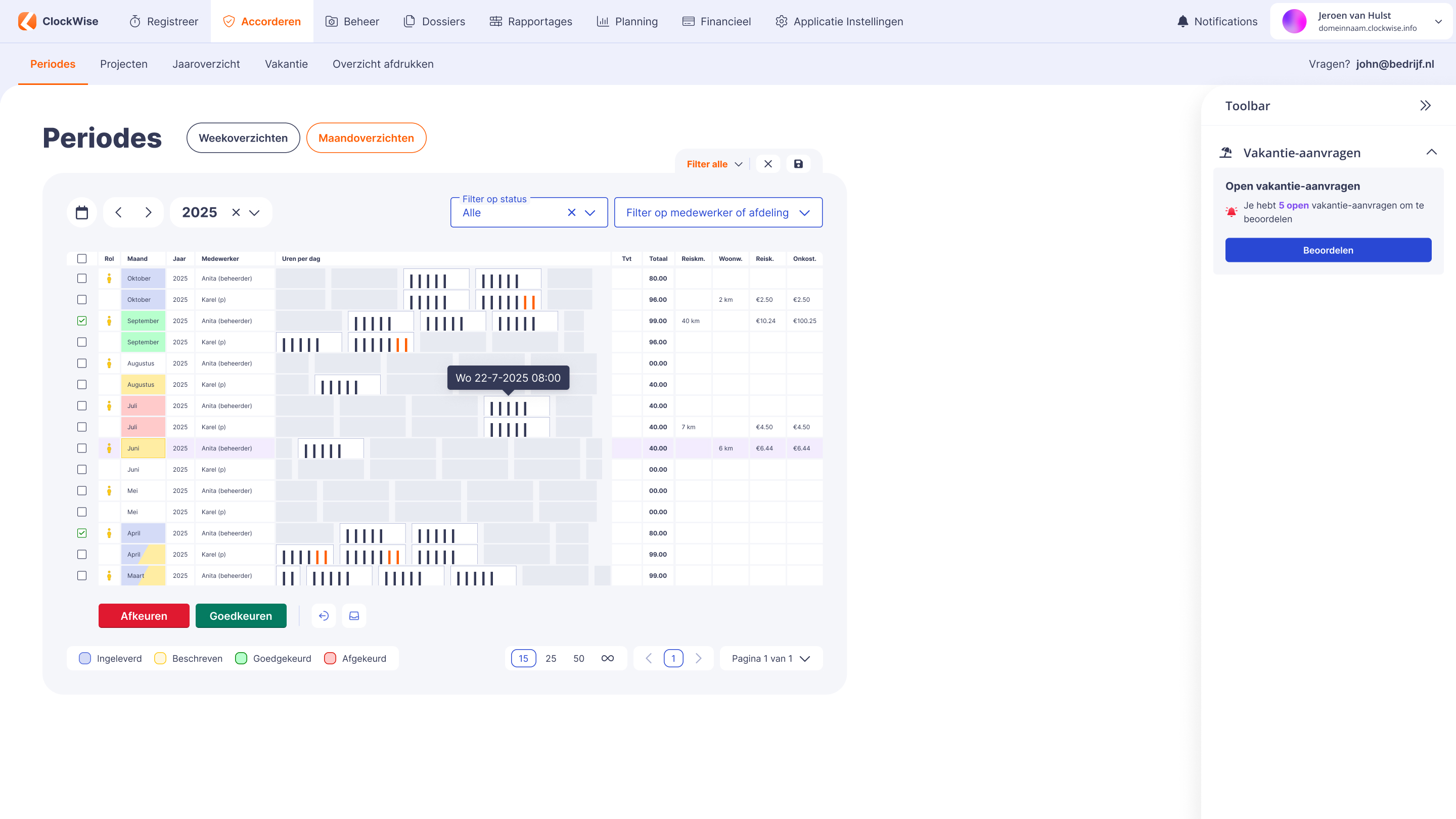
Via the list, you can approve multiple vacation requests at once. Although the display is less visual than the month and year overview, it is functional and practical to use.
Heeft ClockWise een kenniscentrum ?
Moet ik de urenregistratie verplicht bijhouden?
Wat levert urenregistratie mij op?
Waarom is urenregistratie belangrijk bij R&D-projecten?
Welke service biedt ClockWise?
Kan ik iDEAL-betaallinks in mijn facturen gebruiken?